
Image Authentication Platform
Check document fraud and AI-generated image signals online
ImgAuth helps individuals and teams review document tampering and whole-image AI-generation signals. Upload a document, portrait, scenery, product, artwork, or other supported image and get review evidence in seconds.
See what the platform can review today
Compare document fraud heatmaps and whole-image AI-generation results using representative samples.
Document fraud preview
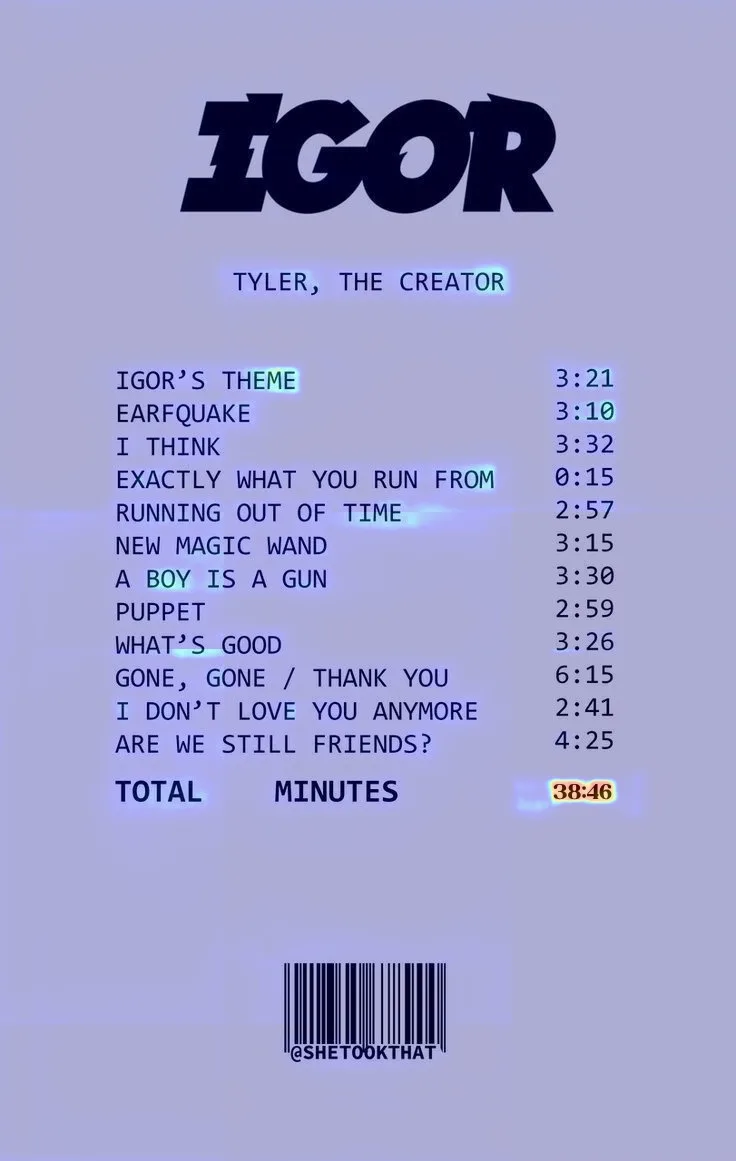
Review multiple sample documents with heatmap-based outputs that highlight suspicious regions in certificates, invoices, receipts, and scans.
Real or AI Face
Sample portraits demonstrate the portrait use case. The model still evaluates AI-generation signals across the complete image and does not specifically detect face swaps or Deepfakes.






What is ImgAuth?
ImgAuth is an image authentication platform powered by AI. It is built for image authentication workflows where you need to review whether an uploaded image looks trustworthy, suspicious, manipulated, or in need of closer inspection.
Today the platform offers three focused workflows: document fraud detection, general AI image detection, and a portrait-focused entry that uses the same whole-image AI-generation model.
Why this platform framing matters
- 01
A platform layer above individual detection tools
- 02
Built around visual trust review, not opaque pass/fail outputs
- 03
Designed for both direct self-serve checks and team workflows
- 04
Expanding over time into more image authentication workflows
Three focused workflows on one image authentication platform
Choose document fraud detection, general AI image detection, or the portrait-focused AI image workflow.
Document Fraud Detection
Check certificates, invoices, receipts, claims, and scans for visual tampering. ImgAuth returns a tampering signal, confidence score, and forged-region heatmap for review.
Certificates, invoices, receipts, claim files, statements, and compliance scans.
Tampering judgment, confidence signal, suspicious regions, and heatmap-backed evidence.
Government-record lookup, OCR truth validation, or legal authenticity certification.
AI Image Detector
Check portraits, scenery, products, artwork, and other images for AI-generated content signals across the complete image.
General image uploads, scenery, products, artwork, social images, and moderation review.
AI-generation result, review status, and model risk score.
Proving authenticity, image provenance, face liveness, or region-level tampering detection.
Real or AI Face
Upload a face photo, portrait, or profile image to check for AI-generated content signals across the whole image.
Portraits, selfies, avatars, creator photos, profile images, and moderation review.
AI-generation result, review status, and model risk score for the complete portrait.
Face liveness, identity matching, face-swap, deepfake, or tampering-specific claims.
How ImgAuth works
The platform flow is intentionally simple: choose the right detector, upload the image, and review the resulting evidence.
Choose a workflow
Choose document fraud detection, general AI image detection, or the portrait-focused AI image workflow.
Upload your image
Upload a document, portrait, selfie, receipt, invoice, or other supported image input.
Review the result
Use the model output, confidence signals, and heatmap evidence to make the next decision.
Where people and teams use ImgAuth
ImgAuth is designed for direct self-serve checks and structured review workflows where image trust matters.
Personal trust checks
Use ImgAuth when you want a fast second opinion on a document image, invoice, portrait, or avatar before you trust it.
KYC and compliance review
Help teams review onboarding documents, certificates, statements, and submitted identity-related images with more evidence.
Insurance, claims, and invoices
Add visual tampering review to invoices, receipts, claim documents, and supporting files before approval.
Content moderation and profile screening
Screen uploaded images for whole-image AI-generation signals as one input to trust and safety review.
More image authentication tools are coming
ImgAuth supports document fraud detection and whole-image AI-generation review through general and portrait-focused entry points. Future workflows can extend into additional image trust use cases.
Earn free credits
Share ImgAuth with other people or teams that need image trust review and earn credits when they sign up successfully.
Share your link
Get your unique referral link from your account dashboard and send it to others.
They try ImgAuth
New users can explore the platform with the included free credits.
You earn credits
Each successful signup earns you additional credits for future checks.
Frequently Asked Questions
These answers explain ImgAuth’s document and whole-image AI-generation workflows and their capability boundaries.
ImgAuth is an image authentication platform. It offers document fraud detection and whole-image AI-generation review through general and portrait-focused workflows.
It is an image authentication platform. Document fraud detection and whole-image AI-generation review are its current focused workflows.
ImgAuth checks document images for visual tampering and other images for model signals associated with AI-generated content across the complete image.
Document fraud detection is the process of checking certificates, invoices, receipts, statements, claims, and scans for visual signs of tampering such as pasted regions, replaced content, or suspicious edited areas.
It is a portrait-focused entry point for the same whole-image AI-generation model. It does not specifically detect face swaps, Deepfakes, liveness, identity, or face-region tampering.
ImgAuth supports common image formats. The document workflow also supports PDFs through its dedicated flow. General and portrait AI detection analyze the complete uploaded image.
Both. Individuals can use ImgAuth for direct self-serve checks, while businesses can use it in KYC, compliance, insurance, moderation, and other structured trust-review workflows.
Yes. ImgAuth offers API and bulk-processing options for higher-volume workflows. You can review the API documentation or contact the team for business usage and SLA-backed plans.
No. Uploaded files are processed for the requested analysis only and are not used to train public models.
The platform may add more image-authentication and image-trust workflows over time while keeping each detector’s capability boundaries explicit.
Start with the workflow that matches your verification task
Use document fraud detection for certificates, invoices, receipts, and scans. Use general AI image detection for any supported image, or the portrait entry for portrait-focused review.